Skip to content
An independent consumer education resource — not affiliated with any card issuer.
GCGiftCardMallBalance Balance Basics
Balance check guide

How to check a GiftCardMall/MyGift gift card balance

Five reliable ways to confirm a remaining balance on a GiftCardMall/MyGift, Visa, or Mastercard gift card — with the exact information each method requires and the most common reasons a balance lookup fails. This site does not run a balance lookup tool. Real balance checks always happen on the issuer’s own portal printed on the back of your card.

Before you start

Have your card in hand and choose a quiet, private location. A balance check is fast — usually under two minutes — but it does require entering the full card number and security code, so privacy matters.

What you will need

  • The 16-digit card number printed or embossed on the front of the card.
  • The 3- or 4-digit security code (also called CVV or PIN) printed on the back, sometimes under a scratch-off panel.
  • The customer-service URL or phone number printed on the reverse of the card.

What you will not need

  • Your name, address, or Social Security number — a real balance lookup never asks for these.
  • Login credentials for any other account.
  • A one-time SMS verification code from another service.

If a page asks for any of the items in the second list, close it. You are almost certainly on a look-alike phishing site.

A gift card on a desk next to a laptop, ready for an online balance check

Method 1  ·  Online portal

Check the balance on the issuer’s website

This is the fastest method and the only one that also shows transaction history. Allow 30–60 seconds end to end.

  1. Step 1 — Read the URL printed on the back of the card

    Every legitimate gift card carries a customer-service URL on the reverse. Type it directly into your browser’s address bar. Never click a balance-check link from an email, SMS, or social media post — phishing sites typically arrive that way.

  2. Step 2 — Confirm the page is the issuer’s own domain

    Check that the URL in the address bar exactly matches what is printed on the card. Look for the padlock icon indicating an HTTPS connection. Reputable issuers do not redirect through unrelated domains.

  3. Step 3 — Enter the 16-digit card number

    Type the long card number from the front of the card. Most issuer portals auto-format the number into four-digit groups. Double-check there are no typos before submitting.

  4. Step 4 — Enter the security code (CVV or PIN)

    Add the 3- or 4-digit code from the back of the card. If the code is hidden under a scratch-off panel, gently scrape it off with a coin. If the panel is already removed, treat the card as potentially compromised and contact the issuer before entering the number anywhere.

  5. Step 5 — Solve the CAPTCHA if one appears

    Most issuers require a CAPTCHA on balance pages to deter automated scraping. Complete it normally.

  6. Step 6 — Review the balance and transactions

    The page now shows the current available balance, and most issuers also show recent transactions. Note any pending entries — those are authorization holds that temporarily reduce the spendable amount but have not yet posted.

Tip: bookmark from the address bar, not from search results

Once you have the issuer’s real balance page open, bookmark it from your browser. The next time you need to check a my gift card balance, open that bookmark instead of searching, and you will sidestep look-alike pages that occasionally appear in ad slots.

Method 2  ·  Toll-free phone line

Check the balance by phone

Useful when you are away from a computer or want to double-check a my prepaid gift card balance before a large purchase.

  1. Step 1 — Find the customer-service number on the back

    Look for a toll-free number labelled “Customer Service” or “Card Services” on the reverse of the card. Use that number directly — do not search for it online, since fraudulent listings sometimes appear in sponsored search results.

  2. Step 2 — Call from a quiet, private line

    Avoid speaker mode in public places. The automated system will read the card number back, which is sensitive information.

  3. Step 3 — Follow the IVR prompts

    Most issuers route balance inquiries through an automated menu. Listen for “check balance,” “account inquiry,” or a numeric option such as “press 1.”

  4. Step 4 — Key in the card number when asked

    Use the dial pad to enter the 16-digit card number. The system may also request the security code.

  5. Step 5 — Listen carefully to the balance read-back

    The IVR speaks the available balance and, on most issuers, the last few transactions. Write the number down right away.

Method 3  ·  In-store inquiry

Check the balance at a participating retailer

A reliable fallback when the online lookup is temporarily unavailable. Cashiers at the issuing retailer (and many partner stores) can run a balance inquiry on the point-of-sale terminal as a separate, no-cost transaction.

  1. Take the card to the customer-service desk or a regular checkout lane during a quiet period.
  2. Hand the card to the cashier and ask for a balance inquiry — emphasise that it is not a purchase.
  3. The cashier swipes or scans the card and the terminal prints a balance slip, or the amount is read aloud.
  4. Verify the printed amount and keep the slip with the card until the balance is fully spent.

This method works for store-branded gift cards within the issuing retailer’s ecosystem. Open-loop Visa or Mastercard prepaid cards are best checked online or by phone, since most retailers do not have access to the issuer’s database.

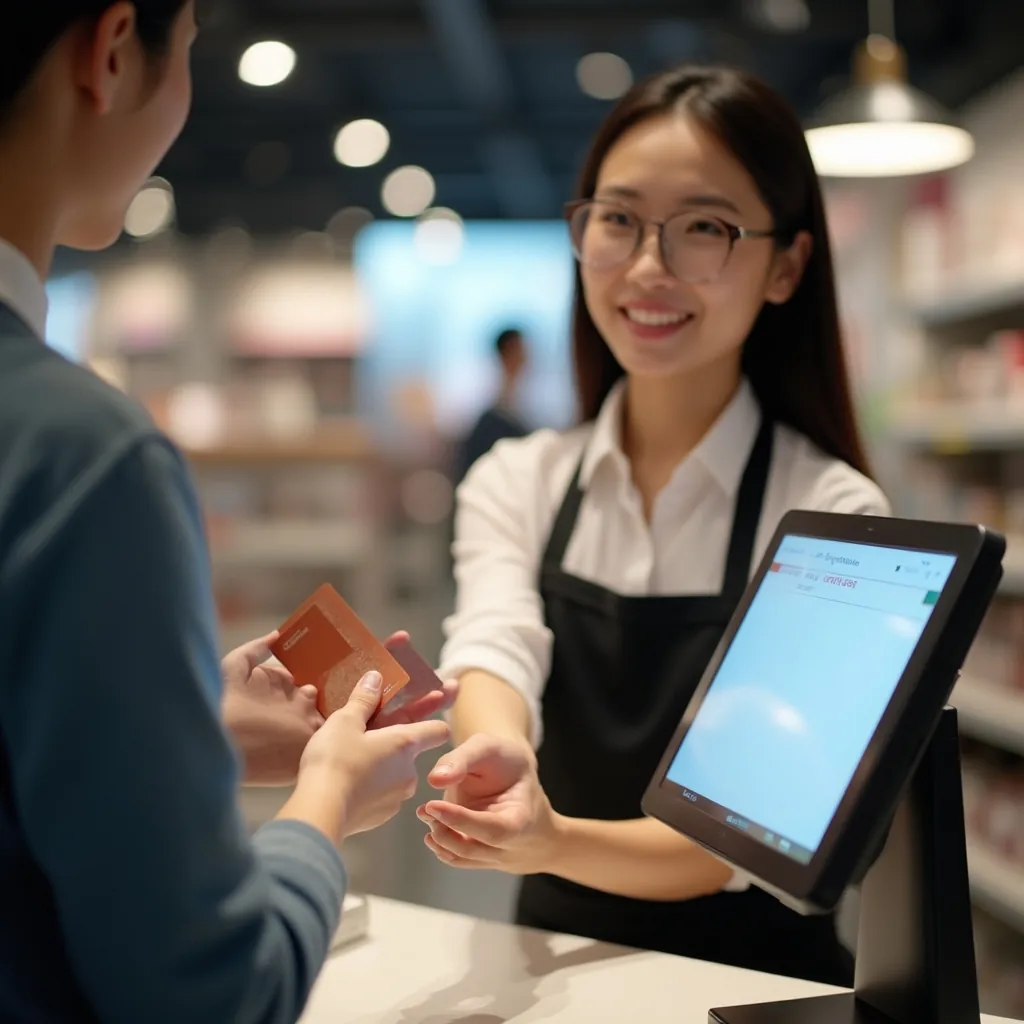
Cashier scanning a gift card at the register to check the balance

Method 4  ·  Receipts and account history

Check the balance from receipts or your retailer account

The fastest passive option. Every time a store-branded card is used at a participating retailer, the receipt prints the remaining balance at the bottom. Keep the receipt with the card.

Printed receipt

After any in-store purchase made with a store-branded gift card, the bottom of the receipt shows the new remaining balance. Save the most recent receipt rather than guessing — it is the simplest record you can keep.

Online order confirmation

For online purchases, the order confirmation email usually includes the gift card portion of the payment and the remaining balance. Search your inbox for the retailer name to find the most recent confirmation.

Retailer account wallet

If you registered the card to your retailer account, the account “Wallet” or “Gift Cards” section shows the live balance and full transaction history.

Method 5  ·  Mobile app

Check the balance from a mobile app

Some retailers offer a dedicated mobile app that supports gift card management alongside regular shopping. The flow is similar to the website version but optimised for one-hand use.

  1. Step 1 — Install the official app from your phone’s app store

    Search by retailer name and verify the publisher matches the retailer or its parent company. Avoid third-party apps that promise to track multiple gift card balances — they often require you to enter card numbers into an unverified service.

  2. Step 2 — Open the wallet or gift card section

    Most retailer apps place gift cards under Account → Wallet or Pay → Gift Cards.

  3. Step 3 — Add the card or scan the code

    Enter the 16-digit number and security code, or use the camera to scan the barcode if the app supports it.

  4. Step 4 — View the balance and recent activity

    The app shows the live balance and a transaction history. From here you can usually pay with the card directly in-store via a barcode shown on the screen.

Troubleshooting

What to do when a balance check fails

If any of the methods above does not return a balance, walk through these checks before assuming there is a real problem with the card.

“Card not found” on the website

Re-enter the 16-digit number slowly and confirm there are no transposed digits. Make sure you are on the correct issuer’s site — the URL on the card may differ from a generic search result. If the message persists, the card may not be activated yet.

Security code rejected

The CVV or PIN must be the exact code printed on the back, not the four digits embossed on the front. Some cards hide the CVV under a scratch-off panel that needs to be carefully removed before reading.

Balance shows zero on a new card

The most common cause is incomplete activation at the register. Bring the original receipt back to the same retailer to finish activation or request a refund.

Balance lower than expected

Pending authorization holds, dormancy fees on cards inactive for 12+ months, or unauthorized use can each reduce the balance. Check the transaction history for an unfamiliar entry, and contact the issuer the same day if you suspect fraud.

Site looks different from before

Issuers occasionally redesign their balance portals. If the layout changed but the domain on the card matches the URL in your address bar, the page is genuine. If the domain differs, close the page immediately.

Phone IVR keeps repeating prompts

Some IVRs reject input from VoIP softphones. If you call from a softphone and the system loops, try again from a mobile phone or landline.

Stay safe

Five rules that keep a balance check safe

  • Always start from the URL on the card, never from a search result or an email link.
  • Never enter the card number on this site — or any third-party site. GiftCardMallBalance does not run a balance lookup.
  • Do not share the card number, security code, or PIN with anyone over phone, chat, or email, including people claiming to be from a government agency or utility.
  • Avoid checking on public Wi-Fi; switch to mobile data if you must check while travelling.
  • Treat any pre-scratched PIN panel as a red flag. Return the card to the place of purchase before using it.
A well-lit home office with a laptop and a gift card on the desk, representing a safe environment for a balance check

Want to learn more about your rights?

Read the federal protections that apply to your gift cards under the CARD Act of 2009.

CARD Act Protections